

It might not be as flashy as a new game or a GPU upgrade, but assuming you've not already migrated to Linux, improvements to Windows can mean improvements to our day-to-day quality of life. On that front, Microsoft has actually been making headway over the past few months, and has now set to improving a couple of things that have irked Windows 11 users since the inception of the latest OS: File Explorer and the (right-click) context menu.
According to Microsoft's recent blog post, as part of the latest Insider build, in addition to "performance and reliability" improvements for File Explorer, we'll also get a context menu that's quicker, easier to use, and more customisable.
It's worth noting that these changes, although only for insiders right now, will come to the standard, public version of Windows 11 eventually. Insiders just get to try out these new features first.
Regarding File Explorer, Microsoft says:
"We’ve analyzed the issues behind many of the freezes, hangs, and delays users encounter, and eliminated dozens of potential stalls and interruptions in the experience. As a result, you’ll see fewer freezes and flashes when browsing, renaming files, navigating, or selecting multiple files."
There are also a number of changes to "small interactions that happen every day", such as having more immediate and less interrupted filename changes, support for more address bar inputs, middle-click-open working in the address bar and with Home page folders, file sizes being shown "using appropriate units", and so on. Such improvements are apparently "just the beginning."
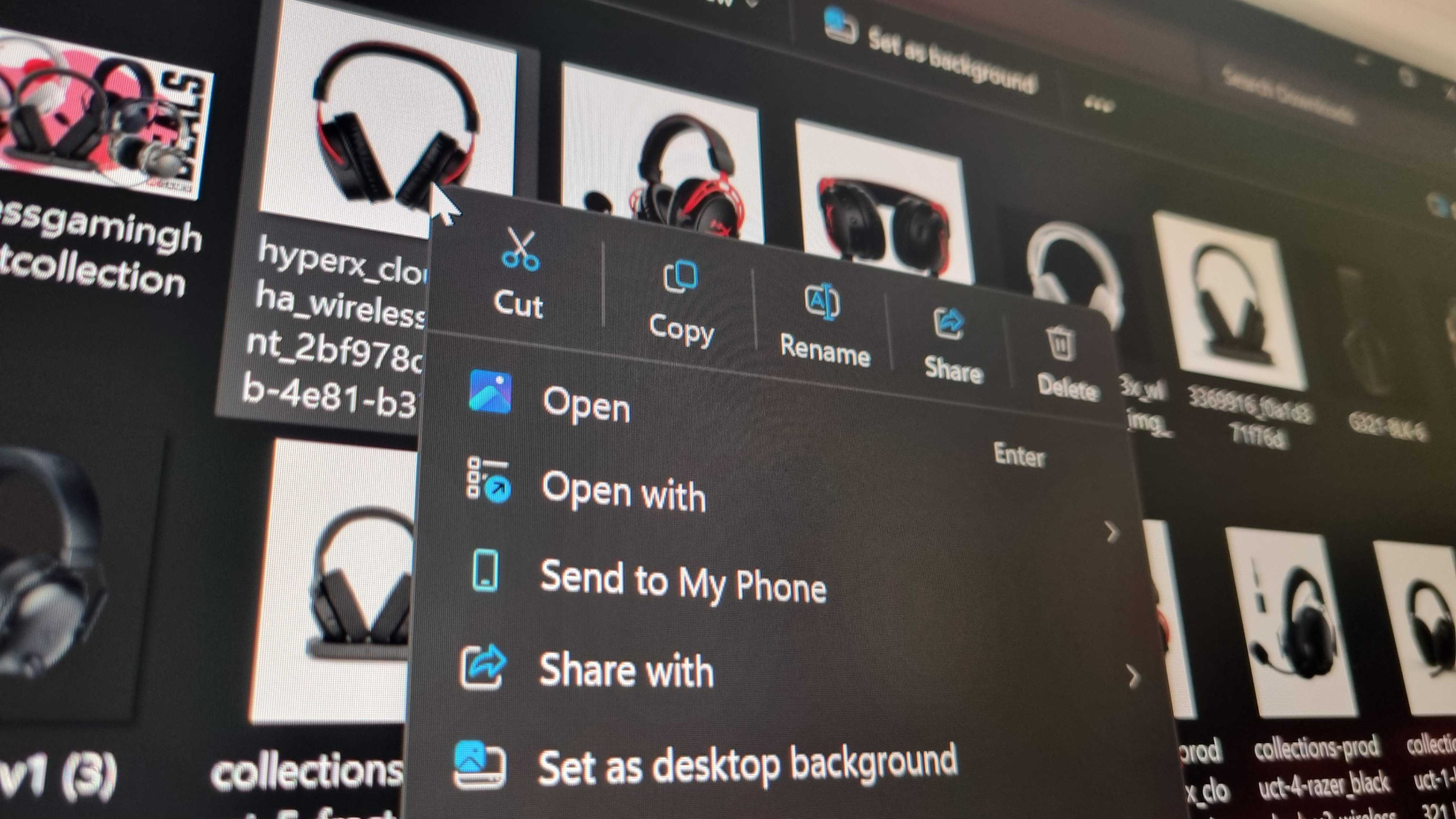
But enough of the small stuff, how about the big one: the right-click menu. For many Windows 11 users—myself included—the change to the new menu from the Windows 10 one was particularly jarring. I'm still not quite used to that row of main commands such as copy and paste being laid horizontally on the top/bottom row and not having 'Properties' at the bottom.
Thankfully that's one of the things Microsoft says it will be giving us the option to change: "You can list the main commands (Cut, Copy, Paste, Rename, Delete, and Share) inline directly in the menu instead of as a row of icons, and you can move Properties down to the very bottom."
Over time, Microsoft says it "recognized the need to dramatically reduce the time between right-clicking and having a menu that’s fully ready to use."
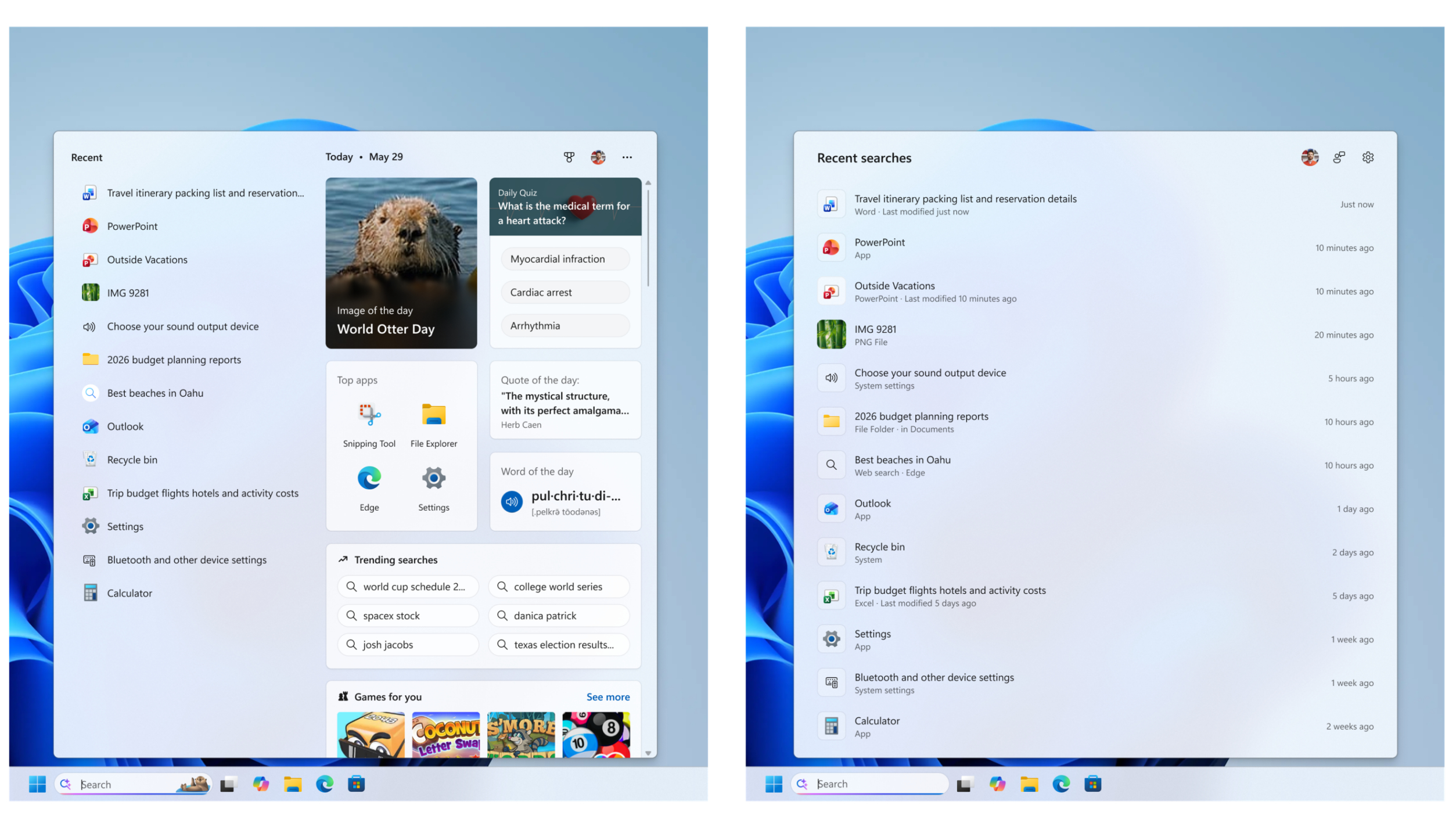
So, in addition to being able to switch these main commands back to how they used to be, the menu will apparently open quicker and also be much more customisable:
"At the bottom of the new context menu, you’ll now find 'Customize menu', as a shortcut to its Settings page, where you can shape the menu around your preferences, your habits, or the years of muscle memory you’ve built with a specific configuration."
Alongside recent changes that speed up the OS in general and changes to the Start Menu, I'd say Microsoft's focus here is exactly where it should be: making the basic elements of Windows 11 performant, functional, and easy to use. They're all good signs that Microsoft is delivering on its promise from the start of the year to focus on such things.





 Bengali (Bangladesh) ·
  English (United States) ·